

Review and download form responses
How to review and download form submissions.
1. Where submissions arrive
A respondent submits their response from their own DekkoCORE account, and the response is then shared back with you, the form owner, in the form folder. A respondent can only see the form and their own submission. No respondent can reach another's submission.
The file name shows the form it answers, who submitted it, and the form marker: <Form title> - <respondent email> - <form marker>.dresp.
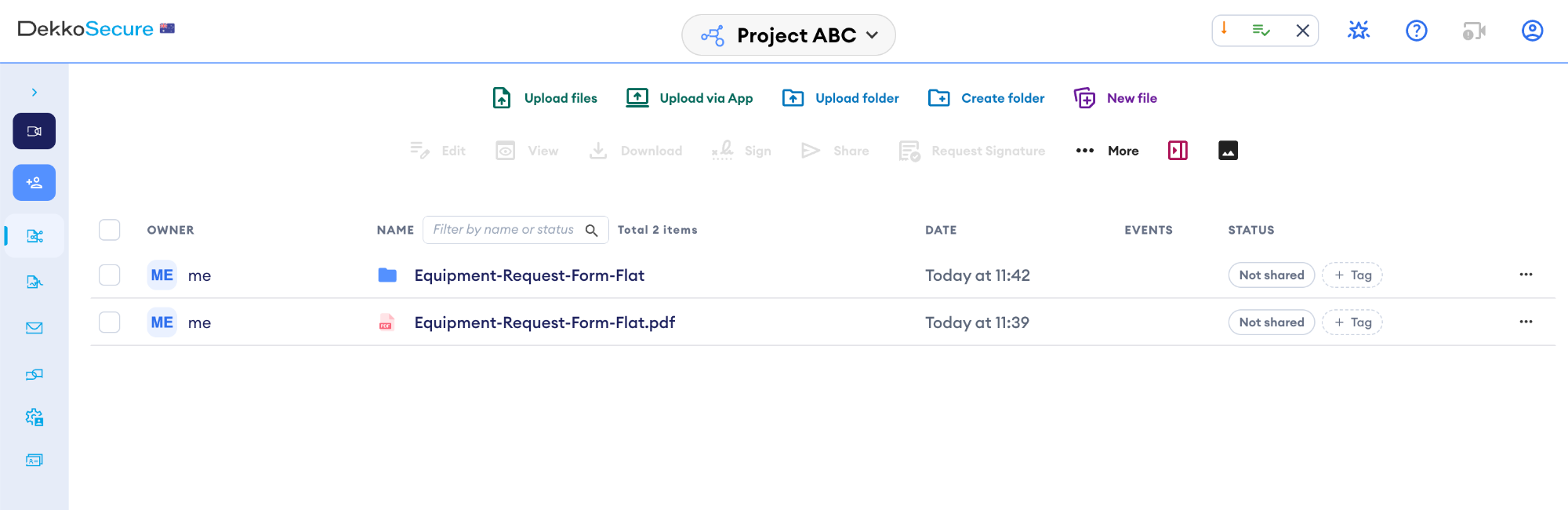
After building: a folder named after the PDF, and the PDF still in its original place.
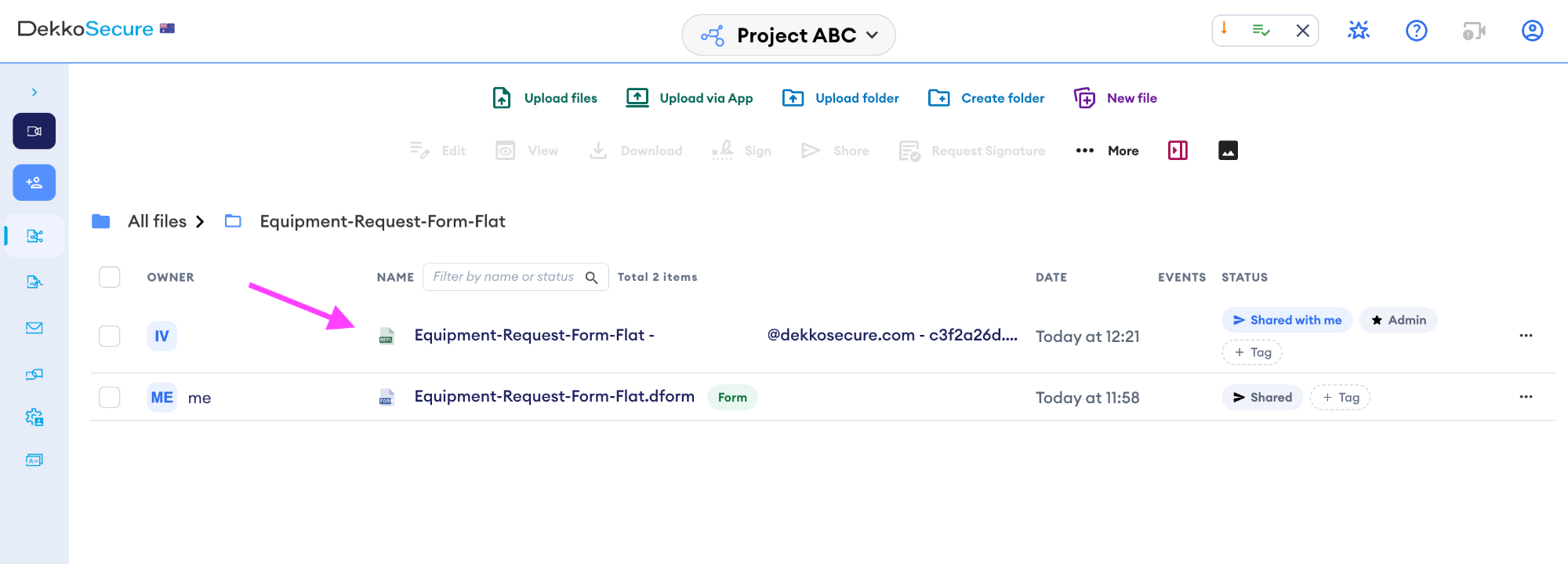
The submission arrives beside the form it answers within the form folder.
One submission per person. If somebody submits again, their new answers replace their own earlier submission rather than adding a second entry. If you retitled the form in the meantime, their submission is renamed to match.
2. Review the form responses
If you wish to review the form submissions:
- Go to the form folder
- Select the form (not a submission) marked with the green form tag beside the file name
- Choose Open form
- Choose the Responses tab at the top of the form
- You get one row per submission with Respondent, Submitted, Signature, and a column for every field from your form.

You can also export the above form response table as a CSV file by clicking Export CSV.
3. Download a copy
- Open the form folder
- Select the form submission
- Click on the … menu located to the right of the form submission’s row in the form folder
- In the dropdown select Download as PDF
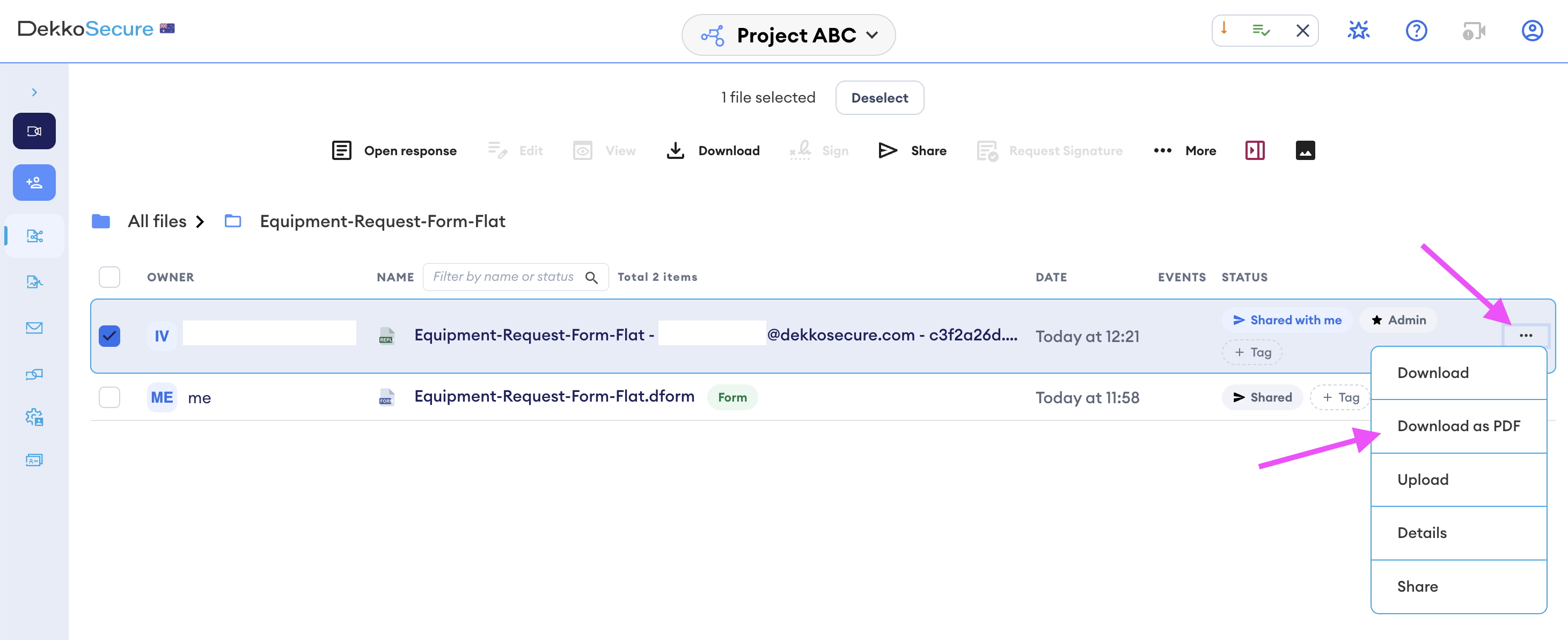
- The form will be downloaded with the original PDF look and filled out boxes.
- A submission response gets an extra Submission record page at the bottom of the PDF. It shows who answered, when they answered, which version of the questions was used, the signature result, and every answer with its question.
- A form without native form boxes downloads as a PDF that can be filled in manually, with only the hand-placed boxes outlined.