

Create a Signature Image with a Transparent Background
How to create a signature image for use in eSignature workflows.
Saving a signature on your profile allows for quick retrieval during document approvals. However, if the signature image does not have a transparent background, it can obscure parts of the document you are signing.
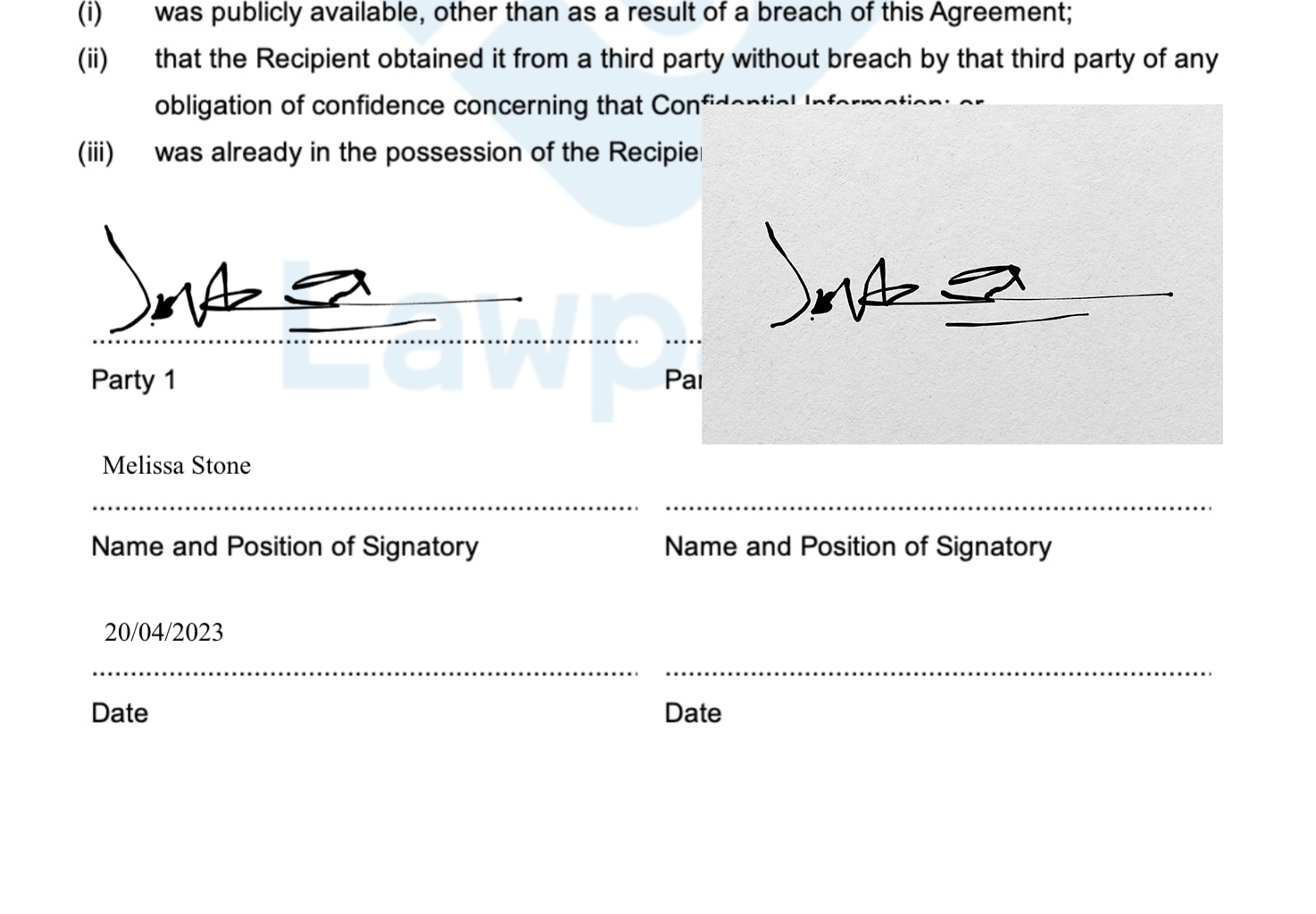
Example:
The signature on the left is good. The one on the right… needs improvement!
An image editing application such as Adobe Photoshop is ideal for removing image backgrounds. If you already have Photoshop you can rasterise your signature image and remove the background using the magic wand tool.
If you don’t have Photoshop, you can easily tidy up your signature using a tool on our website!
How to remove the background from your signature
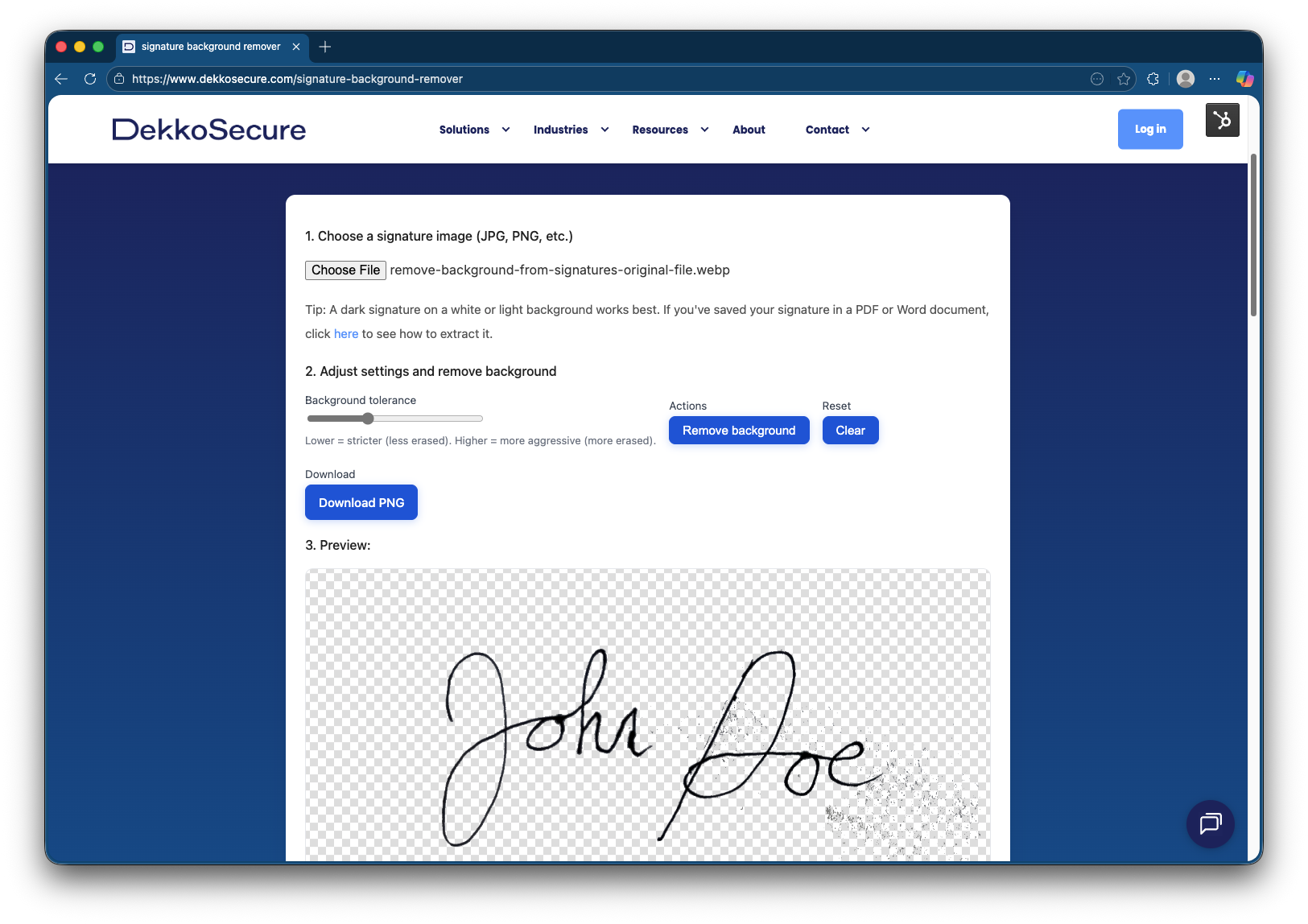
Head to https://www.dekkosecure.com/signature-background-remover to process your signature.
You are now ready to upload your signature image to your profile!